Multiple calculation notebooks
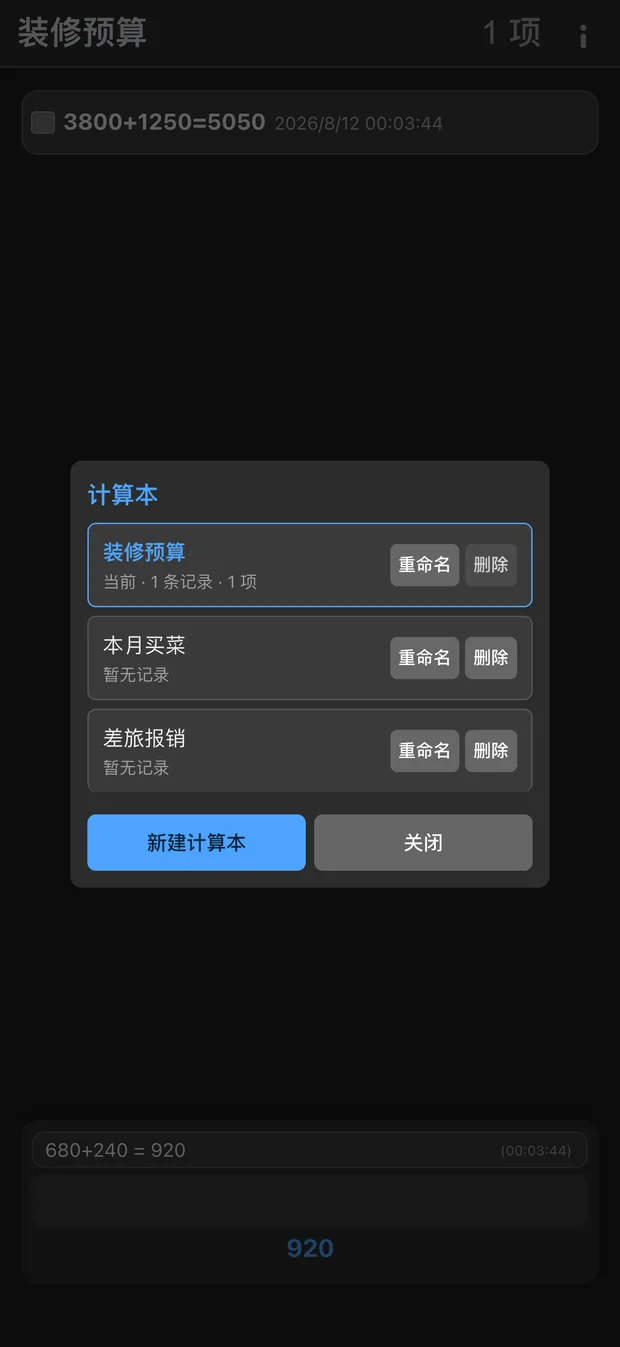
Keep a renovation budget, the monthly groceries and the shop's takings in separate notebooks. Each has its own step list and history, and switching between them changes nothing. Close the app and it is all still there.
Fully offline · No ads · No tracking
A calculator built around running totals and itemized summaries. The steps stay visible in a list, the total goes into history, so you stop relying on memory and scratch paper.
20 languages built in · No account required
iPhone · iPad · Mac · Android
Not a reskinned calculator — the whole flow was rebuilt around how people actually tally things up.
Keep a renovation budget, the monthly groceries and the shop's takings in separate notebooks. Each has its own step list and history, and switching between them changes nothing. Close the app and it is all still there.
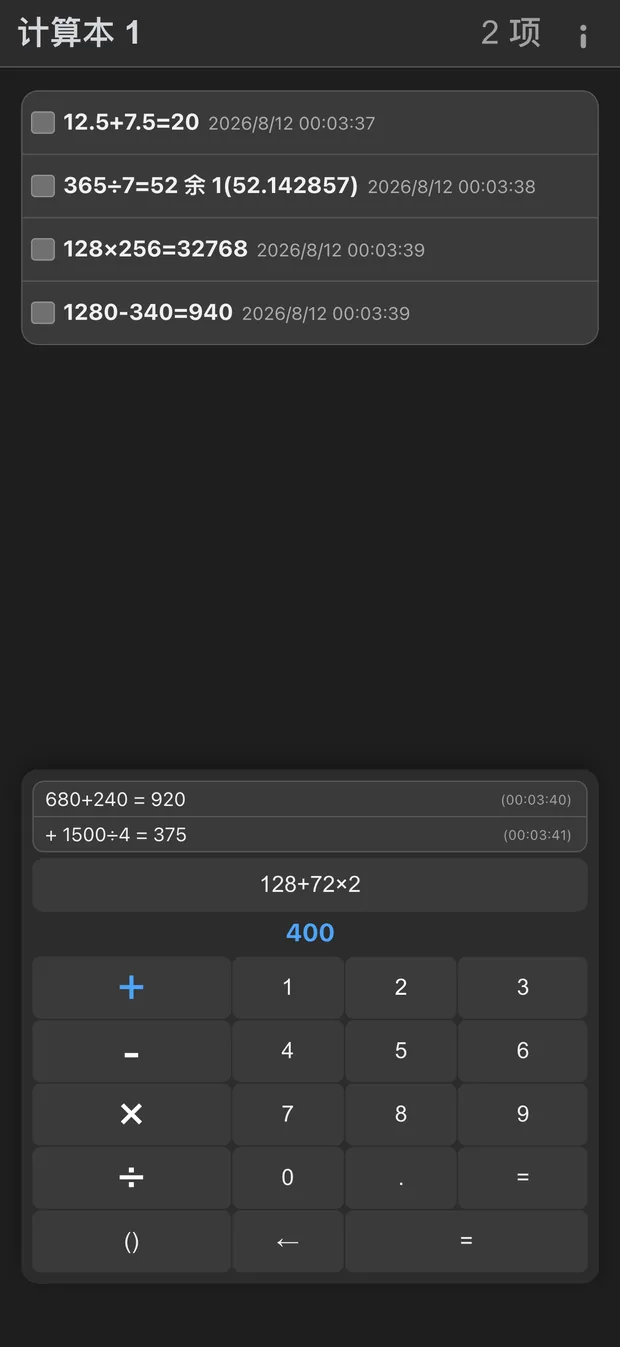
The short equals adds the current expression to the list and clears the input so you can keep going. The long equals sums everything in the list and files the total in history.
Expressions evaluate left to right, with parentheses taking priority. Division shows both "52 r 1" and 52.142857, and the remainder can carry straight into the next step.
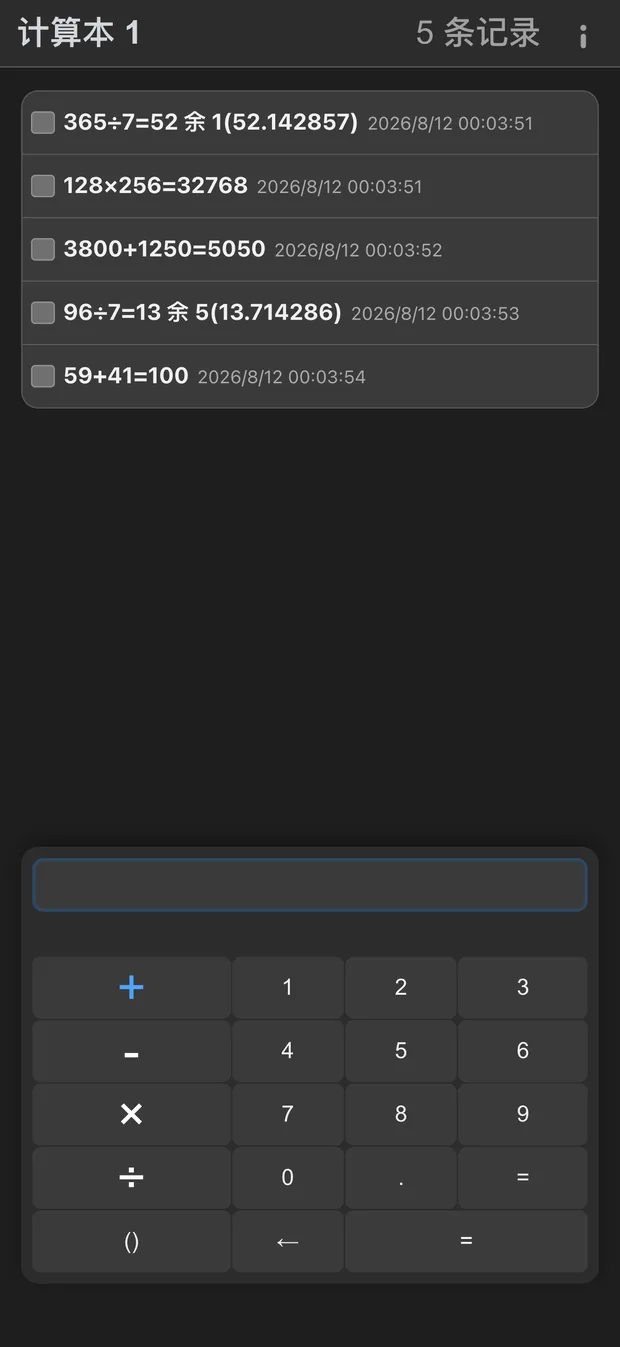
Every summary is filed automatically. Add a note, search by keyword, or restore a record back into the list to edit it again.
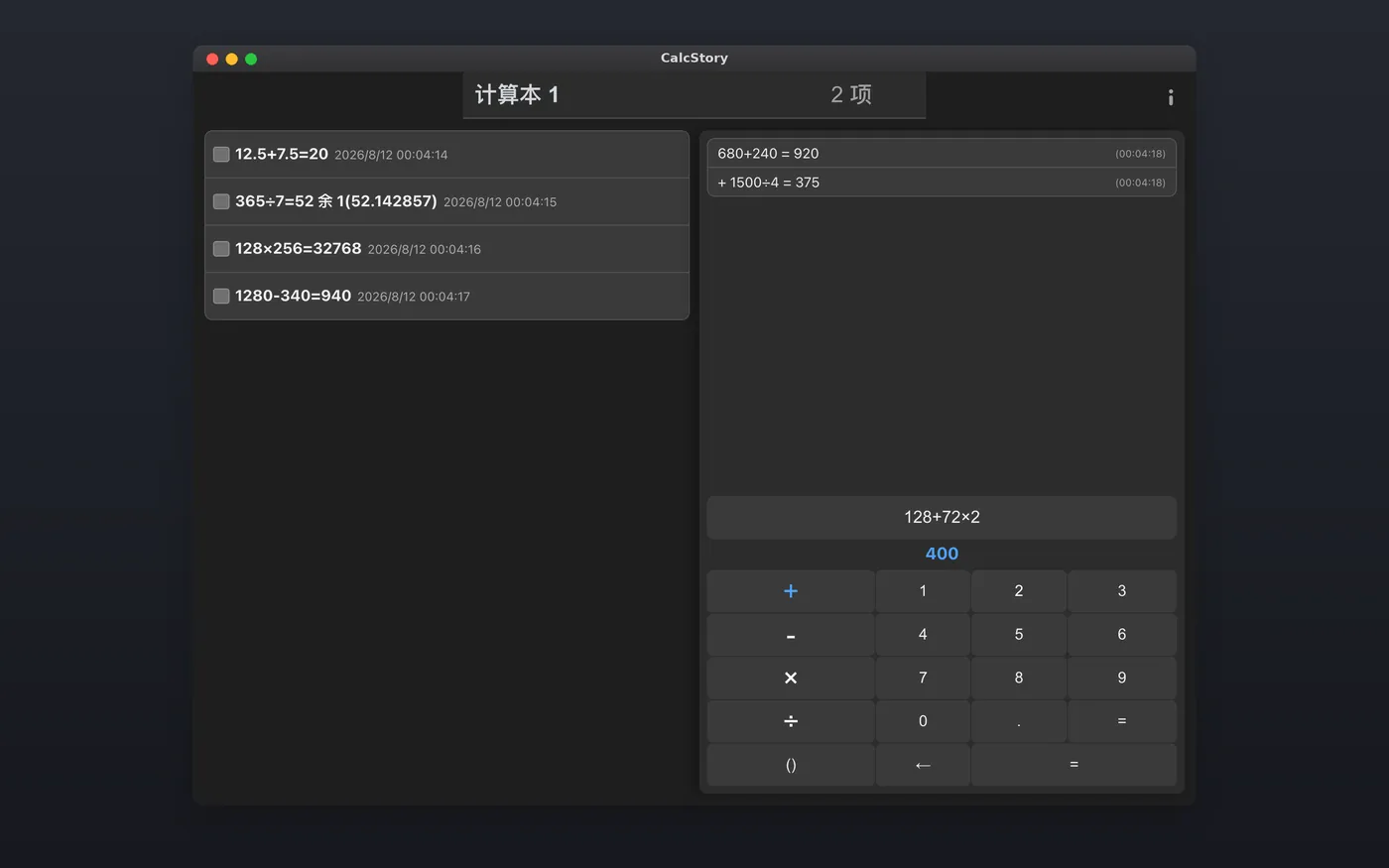
Swap between left- and right-hand modes in one tap. Portrait, landscape and multi-window all adapt, and both the main keys and the numeric keypad of a physical keyboard work.
No network permission, no account, no cloud sync, no ads or tracking SDKs. Calculations, history and settings live on this device and nowhere else.

Plenty of apps promise not to collect anything. CalcStory simply has no way to reach the network — nothing can be uploaded because nothing can connect.
The two equals keys, the long-press shortcuts on the number pad, the remainder rules — it is all in the guide, in 20 languages.

Offline itemized calculator
20 languages built in · No account required